How to Download
Step 1. Select Your Favourite Post and see Bottom of the post…
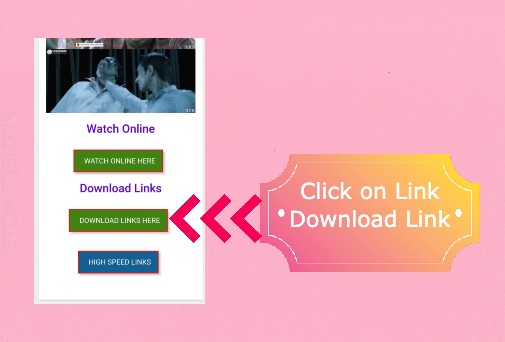
Step 2. Click on “Download Link Here” Green Button! [See Image Below]
Step 3. Click on “I’m Not Robot” Blue Button! [See Image Below]

Step 4. Wait Sometime and Click on “Genegrate Links” Blue Button! [See Image Below]

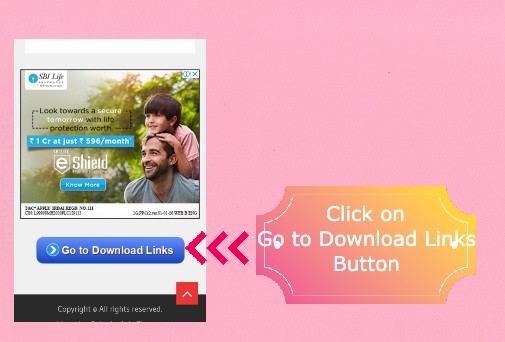
Step 5. Again Wait Sometime and Click on “Go to Download Links” Blue Button! [See Image Below]
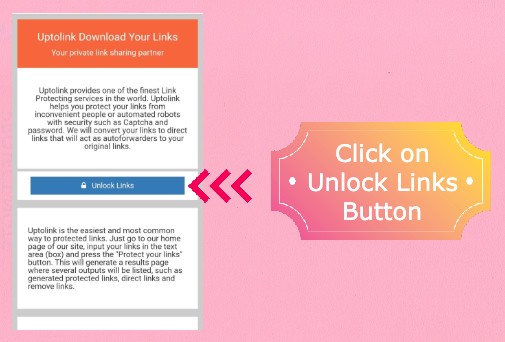
Step 6. Now We reached on Links site. Just Click on “Unlock Links” Blue Button! [See Image Below]
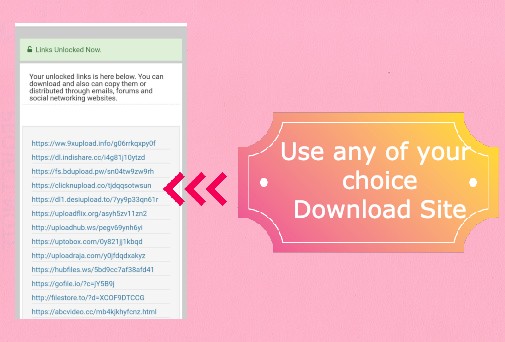
Step 7. Now You will See Various Host Links. [See Image Below]